
Instagram is a popular social media platform used by millions of people around the world. It allows users to share photos, videos, and messages with their followers and friends. If you have received a message on Instagram, it is important to respond in a timely and appropriate manner. In this article, we will discuss how to respond to a message on Instagram.
Step 1: Open the Instagram App

The first step to responding to a message on Instagram is to open the Instagram app on your mobile device. If you do not have the app, you can download it for free from the App Store or Google Play. Once you have the app installed, log in to your account.
Step 2: Navigate to Your Inbox

Once you have logged in to your account, navigate to your inbox by tapping the icon in the top right corner of the screen. This will take you to your direct messages.
Step 3: Find the Message You Want to Respond to
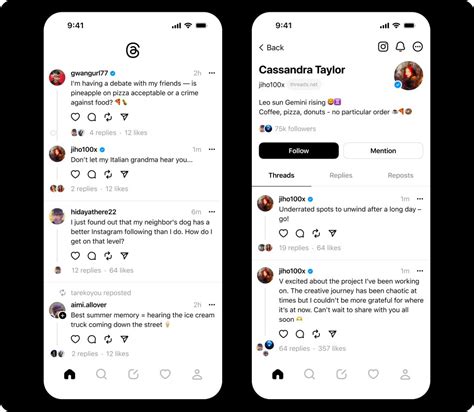
Scroll through your inbox to find the message you want to respond to. You can also use the search bar at the top of the screen to search for specific messages or users.
Step 4: Tap on the Message
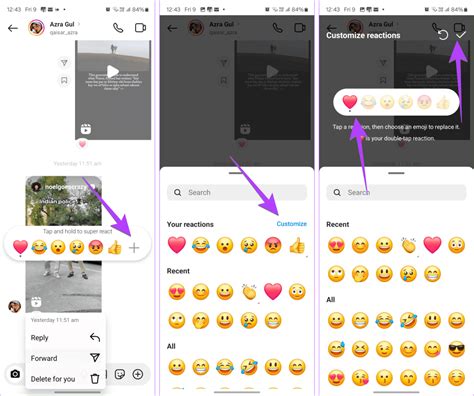
Once you have found the message you want to respond to, tap on it to open the message thread. This will allow you to view the entire conversation and respond to the message.
Step 5: Type Your Response

Once you have opened the message thread, type your response in the text box at the bottom of the screen. You can also add emojis, photos, or videos to your response by tapping the corresponding icons.
Step 6: Send Your Response
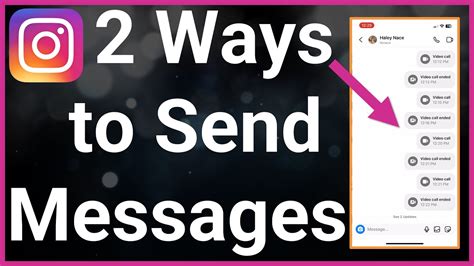
After you have typed your response, tap the send button to send it. The send button is located to the right of the text box. Once you have sent your response, it will appear in the message thread.
Step 7: Continue the Conversation
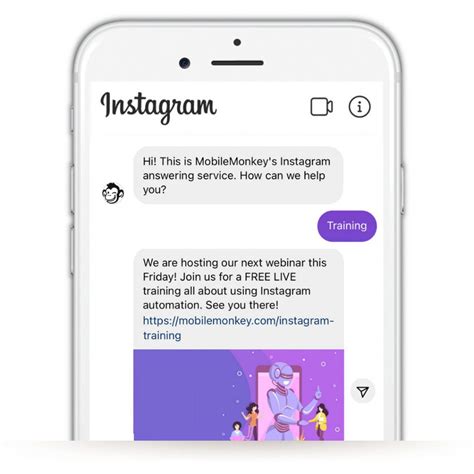
If the person you are responding to replies back, you can continue the conversation by following the same steps. You can also archive or delete the message thread by swiping left on the message and selecting the appropriate option.
Tips for Responding to Messages on Instagram

Here are some tips to keep in mind when responding to messages on Instagram:
- Respond in a timely manner
- Be polite and professional
- Avoid using inappropriate language or content
- Don't spam or send unsolicited messages
- Use emojis or photos to add personality to your responses
Conclusion
Responding to messages on Instagram is a simple process that can help you stay connected with your followers and friends. By following these steps and tips, you can ensure that your responses are timely, appropriate, and professional.